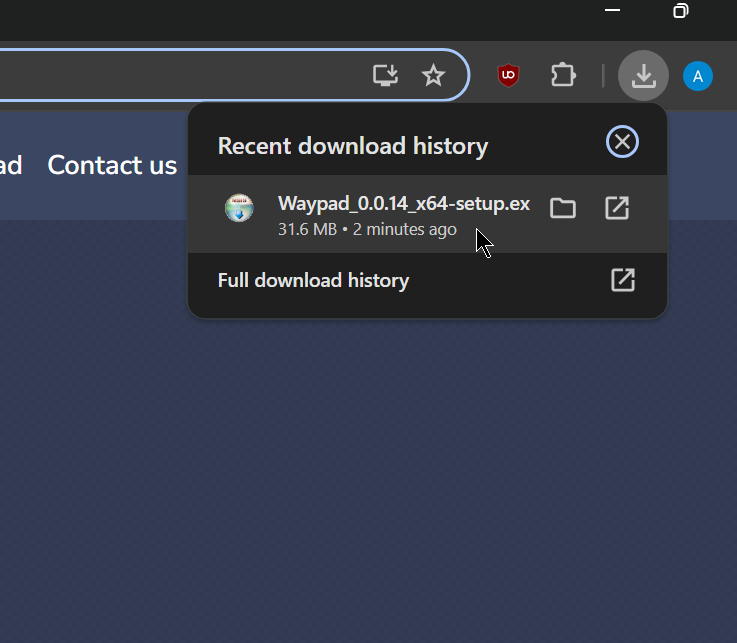
Trinn 1
Etter nedlasting av installasjonsprogrammet, start installasjonsprogrammet ved å klikke på det i nedlastingene.

Waypad skrivebordsprogrammet brukes til å opprette automatiserte arbeidsflyter.
Etter nedlasting av installasjonsprogrammet, start installasjonsprogrammet ved å klikke på det i nedlastingene.
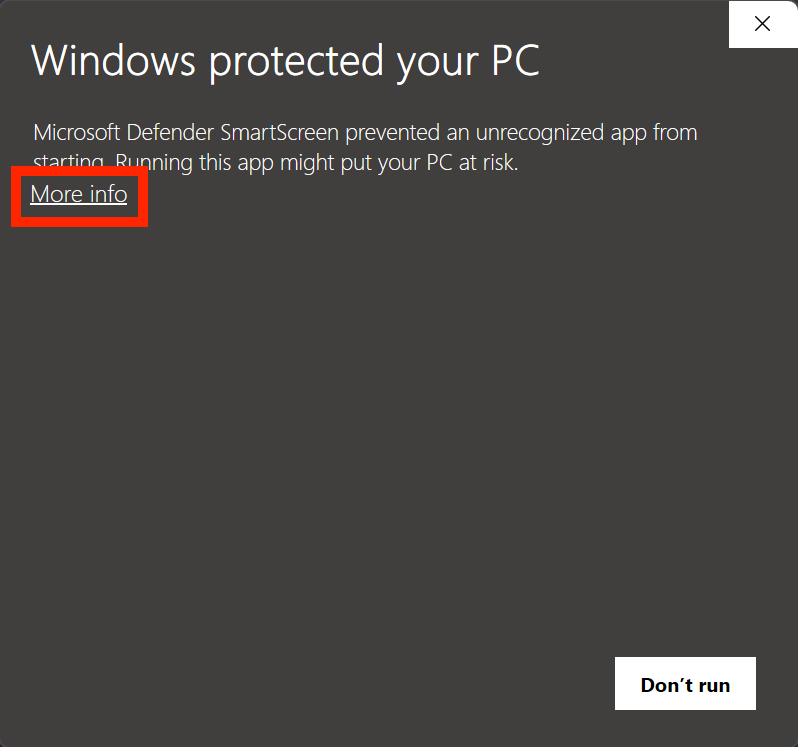
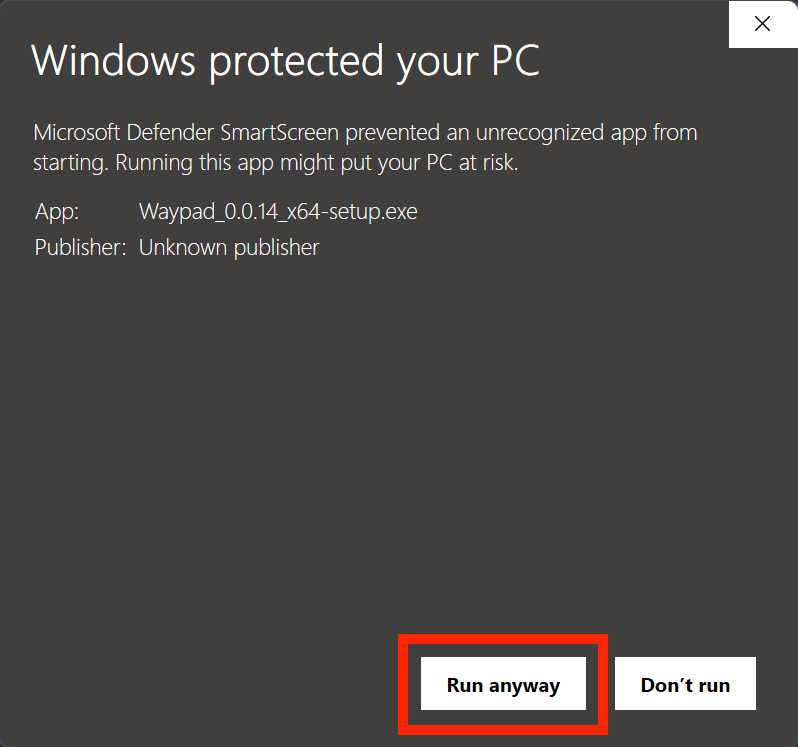
I Windows-popupen, klikk på Mer info, deretter klikk på Kjør likevel.
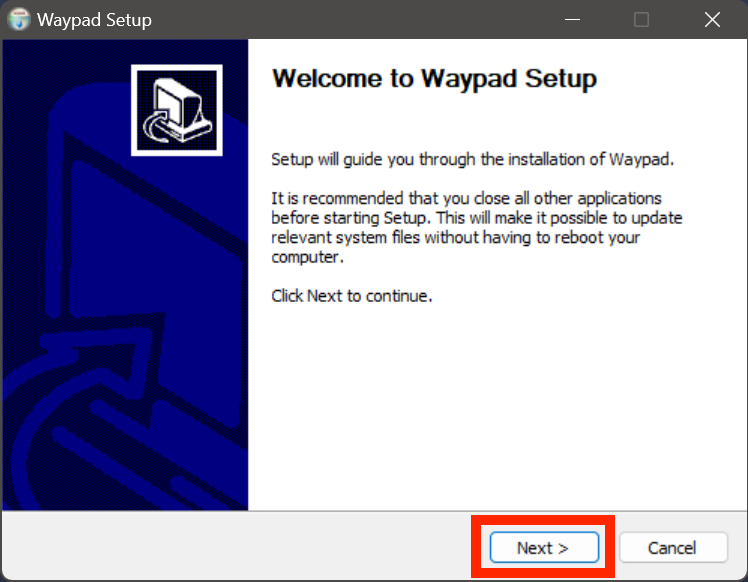
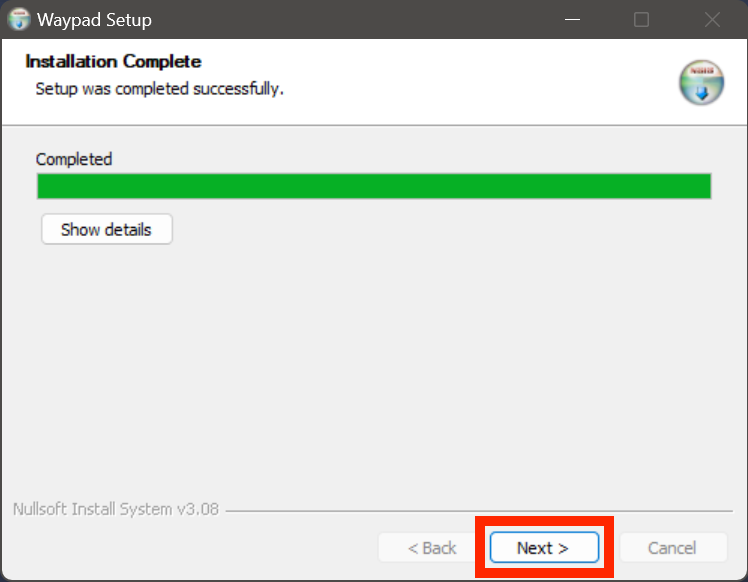
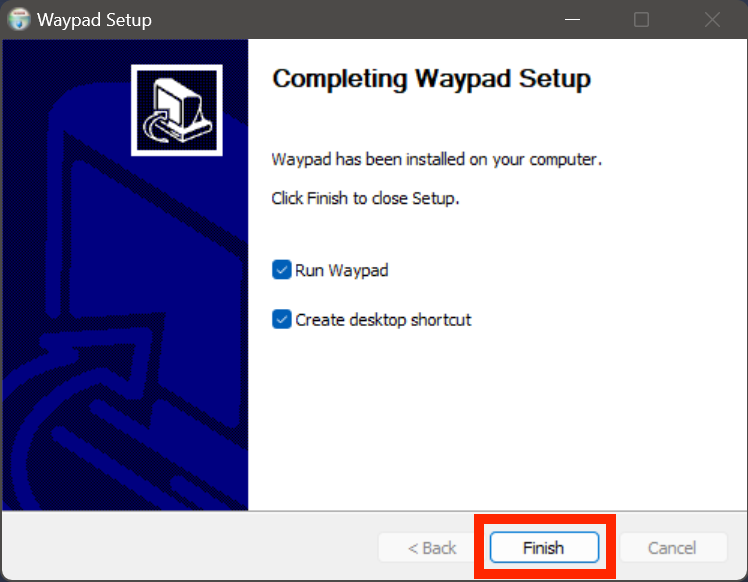
I Waypad-installasjonsprogrammet klikker du Neste på hver side og beholder standardinnstillingene. Når installasjonen er ferdig klikker du på Avslutt.